

Gantry & filling
Every bay.
One clear view.
Select a bay and meter, set the loading volume and follow the fill in real time. DepotVisor brings field status and operator commands into a single working view.
01 / Gantry view
From bay to meter to command.
The gantry view organises the terminal by bay and product meter. Preset the quantity, authorise loading and issue start, stop or end commands against the selected meter.
02 / Live filling
Watch the load, not just the clock.
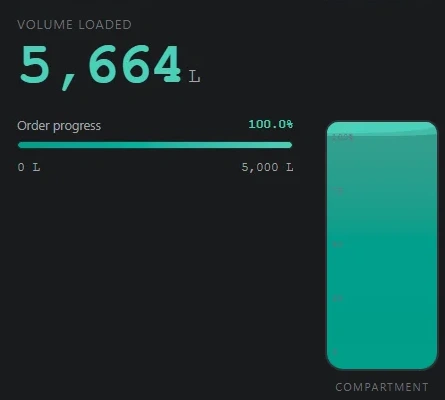
The filling screen tracks delivered volume against the preset, alongside flow, compartments and additives. Bonding and other safety interlocks must be satisfied before a fill can run.
Bay activity
ILLUSTRATIVE SIMULATION · NOT LIVE TERMINAL DATA03 / Loading sequence
A controlled path to completion.
- 01Order created
- 02Vehicle & bay ready
- 03Authorise & preset
- 04Live filling
- 05Safety interlocks
- 06Complete & totalise
- 07BOL & audit
The completed fill produces a signed Bill of Lading, with compartment quantities, product and meter details, and driver and operator sign-off. Tank stock is updated and the batch is retained for audit.